Skip to content
TalentedHobbyistshome
// Open projects

Open projects

Personal engineering projects from the bench, documented as they develop. Honest state, real numbers.

2026-06 · drones · fpv · betaflight · ardupilot · typescript · mcp

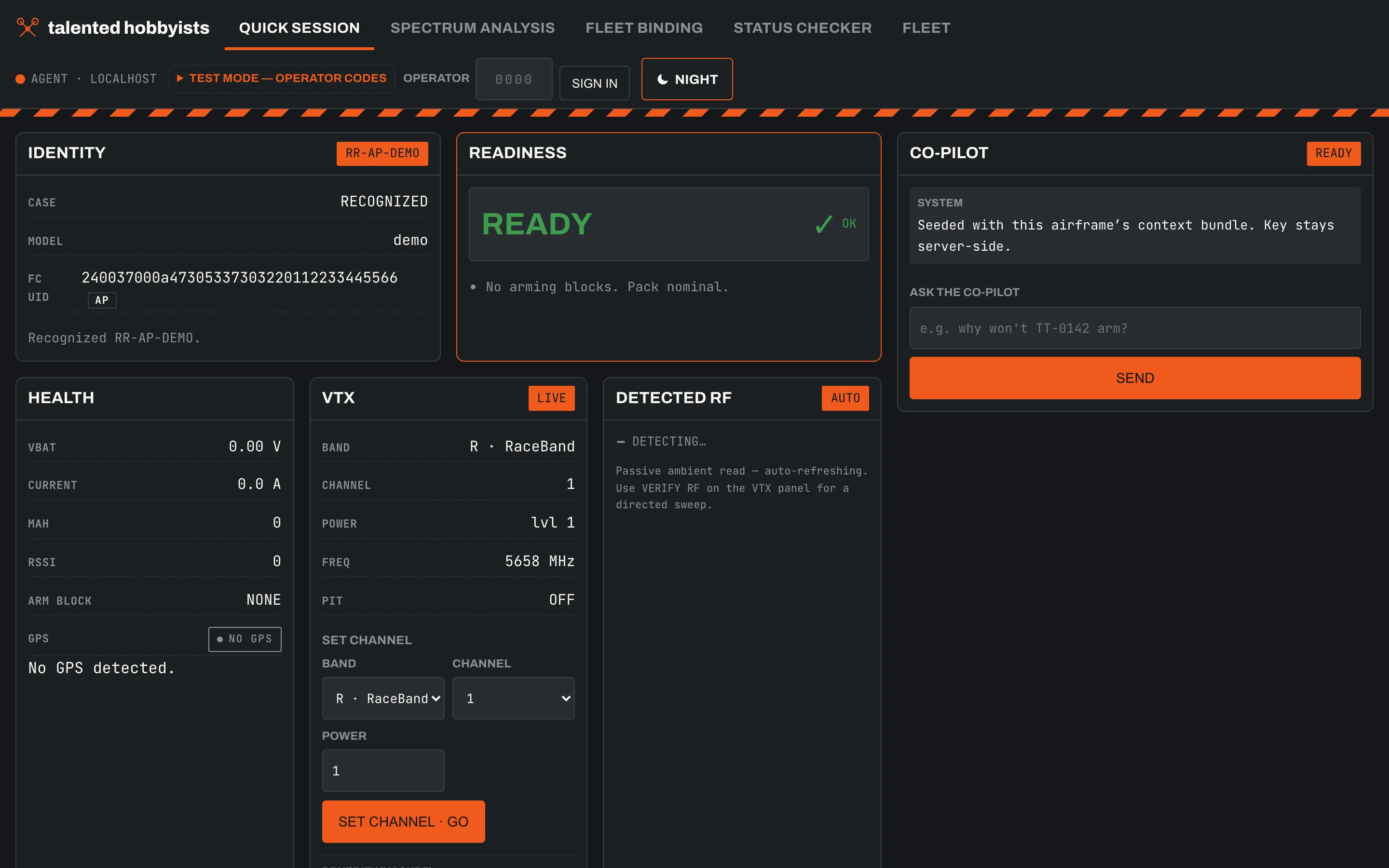
Plug in a drone, identify it, diff its config against fleet spec, and fix the drift.

Keeping a fleet of first-person-view (FPV) quadcopters consistently configured is slow and error-prone: each drone gets plugged into a configurator and checked field by field, by hand, with no record of what changed. This is a workbench app that turns that into one fast loop — plug the drone in over USB (Universal Serial Bus), auto-identify the flight controller, see readiness at a glance, diff settings against the fleet spec, and apply fixes with confirmation. It speaks both Betaflight and ArduPilot firmware through the same interface.

Servicing a shared fleet before an event meant hours in a configurator, one drone at a time, and no answer to "who changed this and when." The goal is plug → check → fix → unplug → next, in seconds per drone, with every change logged.

Read more: FPV Drone Fleet Manager

2026-06 · sdr · rf · fpv · android · kotlin · dsp

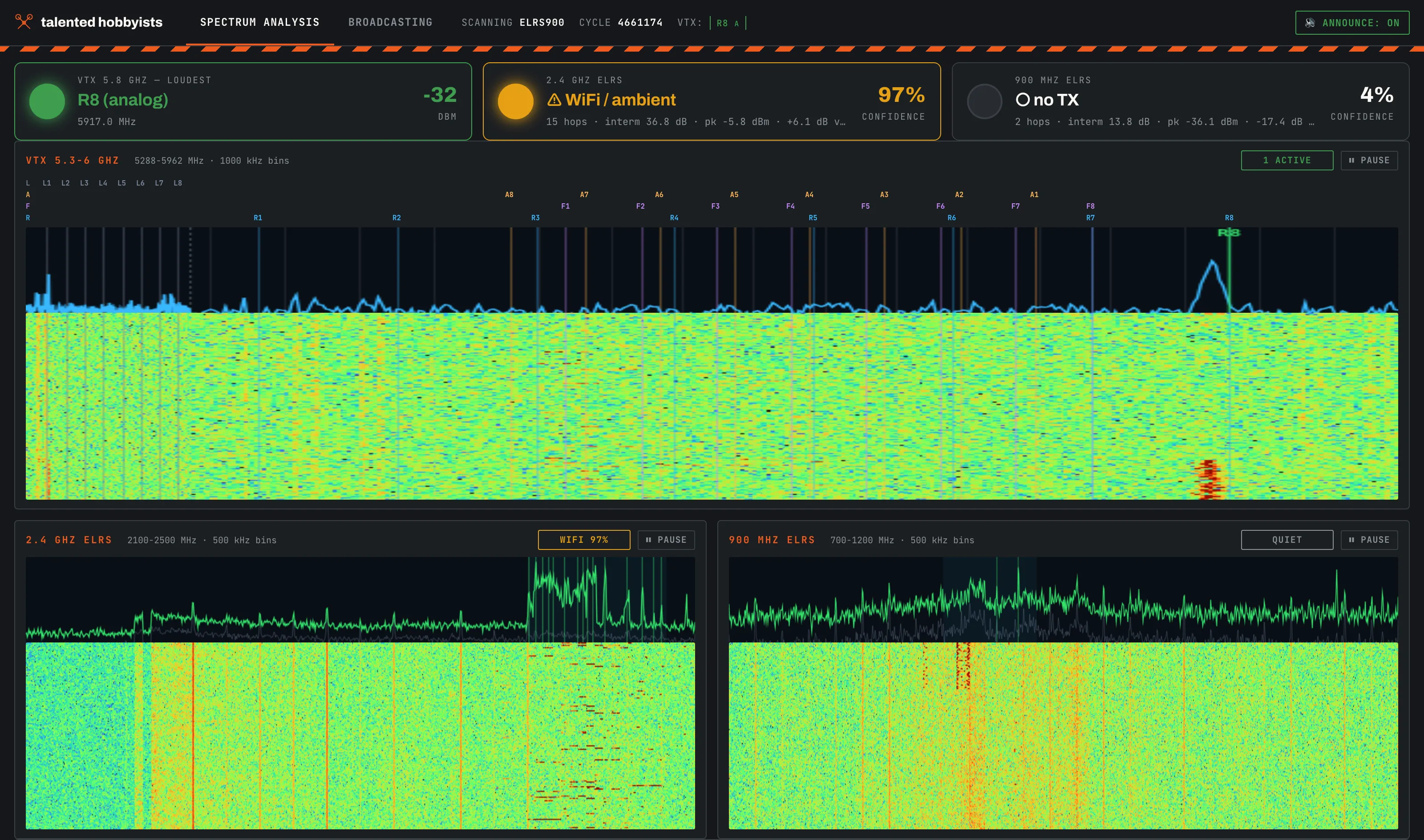
Finds active FPV video channels and control links with a HackRF One; desktop and Android.

At a shared flying field, an FPV (first-person view) drone pilot who powers up on an occupied video channel blinds whoever is already flying on it. This project watches those bands with a HackRF One, a software-defined radio (SDR): it sweeps the 5.8 GHz video-transmitter (VTX) band and the 2.4 GHz / 900 MHz ExpressLRS (ELRS) control-link bands, then reports which of the 48 channels in the standard plan are active and whether a control transmitter is on the air. It exists twice: a Python desktop tool with a web dashboard, and a native Android app that drives the radio over USB (Universal Serial Bus) On-The-Go (OTG).

A HackRF One was already on the bench, and "is this channel actually clear?" is the question every FPV session starts with. The Android port followed two weeks later so the answer fits in a pocket instead of needing a laptop.

Read more: HackRF FPV Band Monitor

2026-06 · drones · fpv · tak · mavlink · telemetry · python

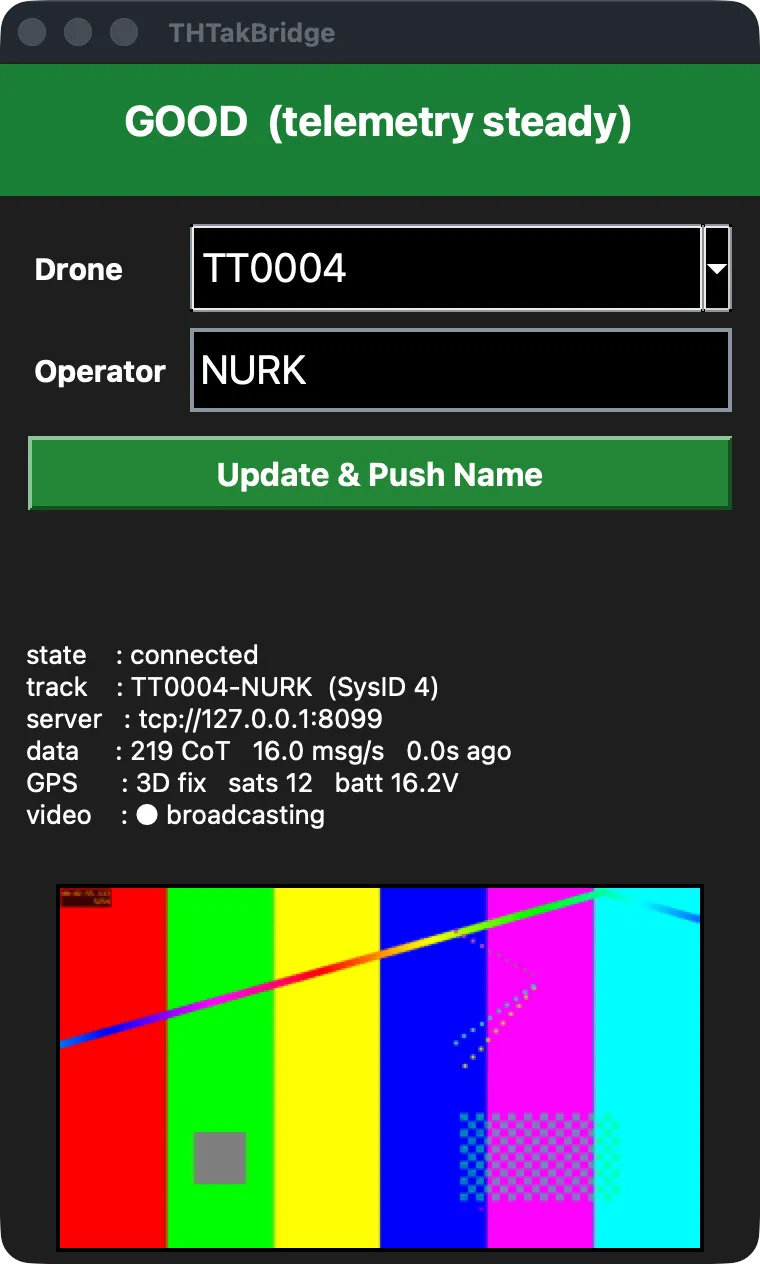
Puts a hobby drone on a TAK map — radio in, live track and video out to the team.

Team Awareness Kit (TAK) is the shared live map used by search-and-rescue and public-safety teams — anything with a beacon shows up as a marker on everyone's device. Hobby first-person-view (FPV) drones aren't one of those things. TAK Bridge fixes that: plug the drone's handheld radio into a laptop and the drone becomes a live track on the team map, camera feed included.

I wanted the situational awareness of an expensive integrated drone using the FPV gear already on my bench — a RadioMaster handheld running ExpressLRS and a cheap HDMI capture card. Nothing off the shelf bridged that gap.

Read more: TAK Bridge

2026-07 · drone · ardupilot · lte · mavlink · raspberry-pi · telemetry

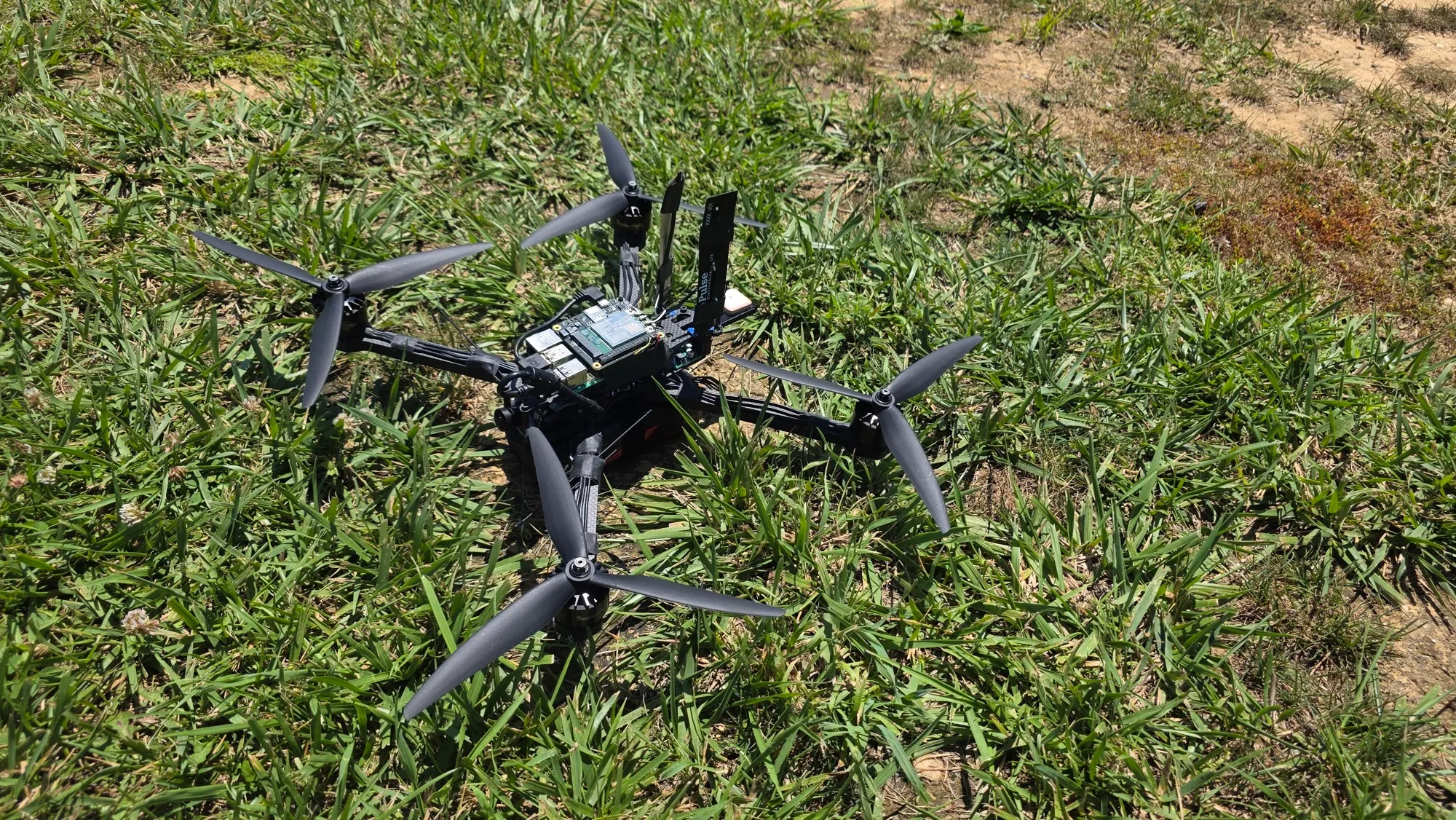
Commands and monitors a quadcopter over a 4G LTE cellular link, not a short-range radio.

A normal drone flies on a short-range radio link — line of sight, a few kilometers at best, and it needs a dedicated ground antenna. This project replaces that link with a 4G LTE (Long-Term Evolution) cellular modem, so the same quadcopter can be commanded and watched from anywhere with cell coverage. A Raspberry Pi 5 riding on the aircraft carries flight commands, telemetry, and video across the cellular network to a laptop ground station.

The itch was to fly beyond radio range using infrastructure that already blankets the country, instead of building a specialized long-range ground station. The open question underneath it: is a consumer cellular link good enough to command a flying vehicle safely?

Read more: LTE-Controlled Quadcopter

2026-07 · macos · claude-code · automation · developer-tools · svg

Desktop icons that reopen each project's Claude Code session where it left off.

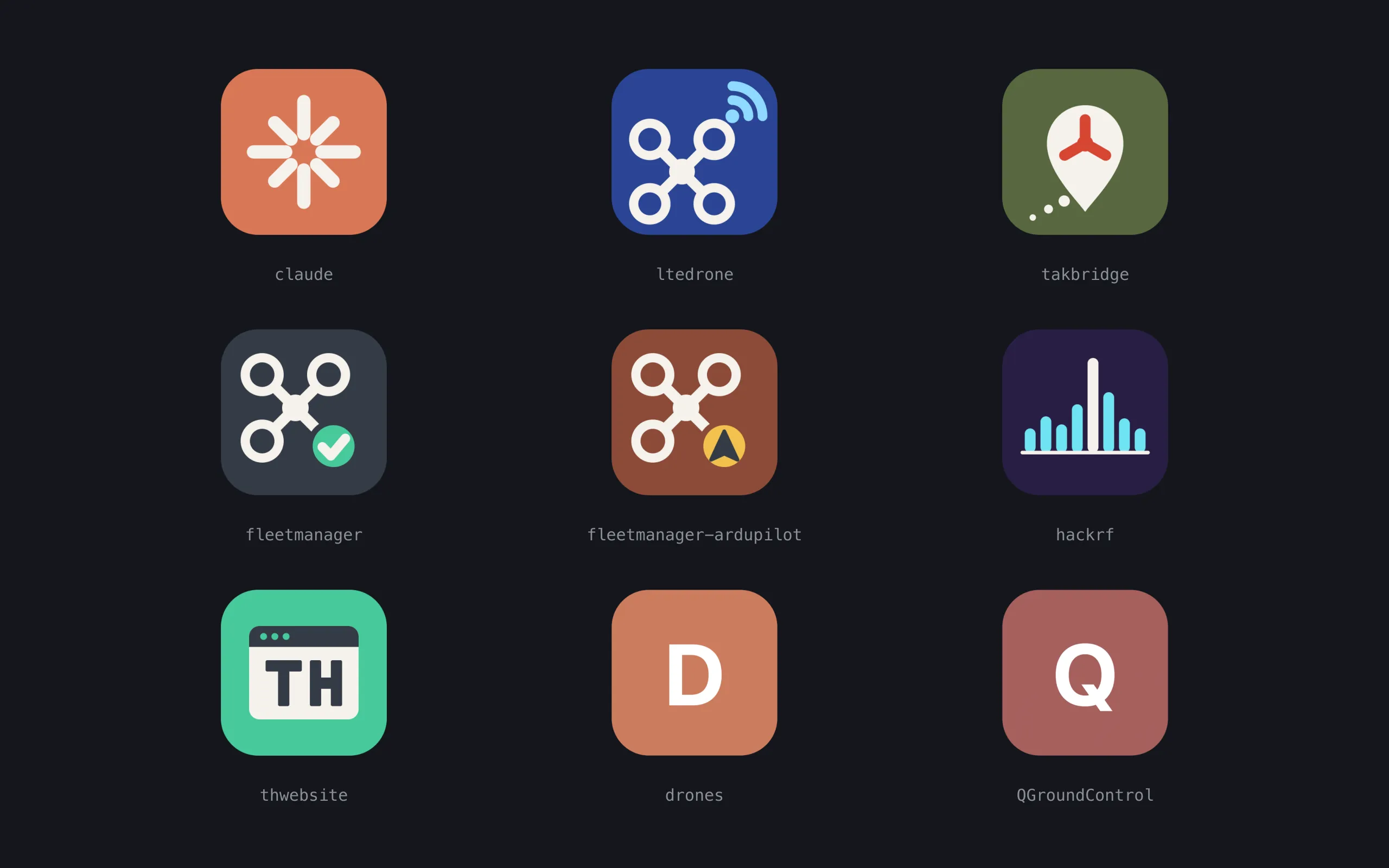
Hobby projects go quiet for weeks, and coming back means re-explaining everything to your tools. This is a macOS launcher: a Desktop folder with one double-clickable app per project. Each icon opens a Terminal window where Claude Code resumes that project's most recent conversation, and a hook system forces a dated journal so project state survives gaps and machine switches.

Restarting a project that sat idle for a month cost more than the work itself. The fix worth having was one double-click that lands mid-conversation.

Read more: Claude Projects Launcher
// Contact

Tell us what you’re trying to do.

We’ll get back to you.