TAK Bridge
active2026-06 · drones · fpv · tak · mavlink · telemetry · python
Puts a hobby drone on a TAK map — radio in, live track and video out to the team.
What it is
Team Awareness Kit (TAK) is the shared live map used by search-and-rescue and public-safety teams — anything with a beacon shows up as a marker on everyone’s device. Hobby first-person-view (FPV) drones aren’t one of those things. TAK Bridge fixes that: plug the drone’s handheld radio into a laptop and the drone becomes a live track on the team map, camera feed included.
Why it exists
I wanted the situational awareness of an expensive integrated drone using the FPV gear already on my bench — a RadioMaster handheld running ExpressLRS and a cheap HDMI capture card. Nothing off the shelf bridged that gap.
What it does today
- Reads MAVLink (the Micro Air Vehicle Link telemetry protocol) from the radio over USB serial at 460,800 baud, or passively from a UDP forward so Mission Planner can share the same radio. Decodes both ArduPilot and Betaflight flavors.
- Publishes each GPS fix as a Cursor-on-Target (CoT) event — up to 2 per second, latest-wins so the marker never lags a slow link — over plain TCP or mutual TLS (Transport Layer Security). Verified against FreeTAKServer with ATAK (Android TAK) phones.
- Pushes capture-card video as H.264, scaled to 1280 wide at level 4.1 (the cap Android decoders actually accept), to a MediaMTX relay. The stream URL rides inside the drone’s map marker, so tapping it in ATAK opens the feed.
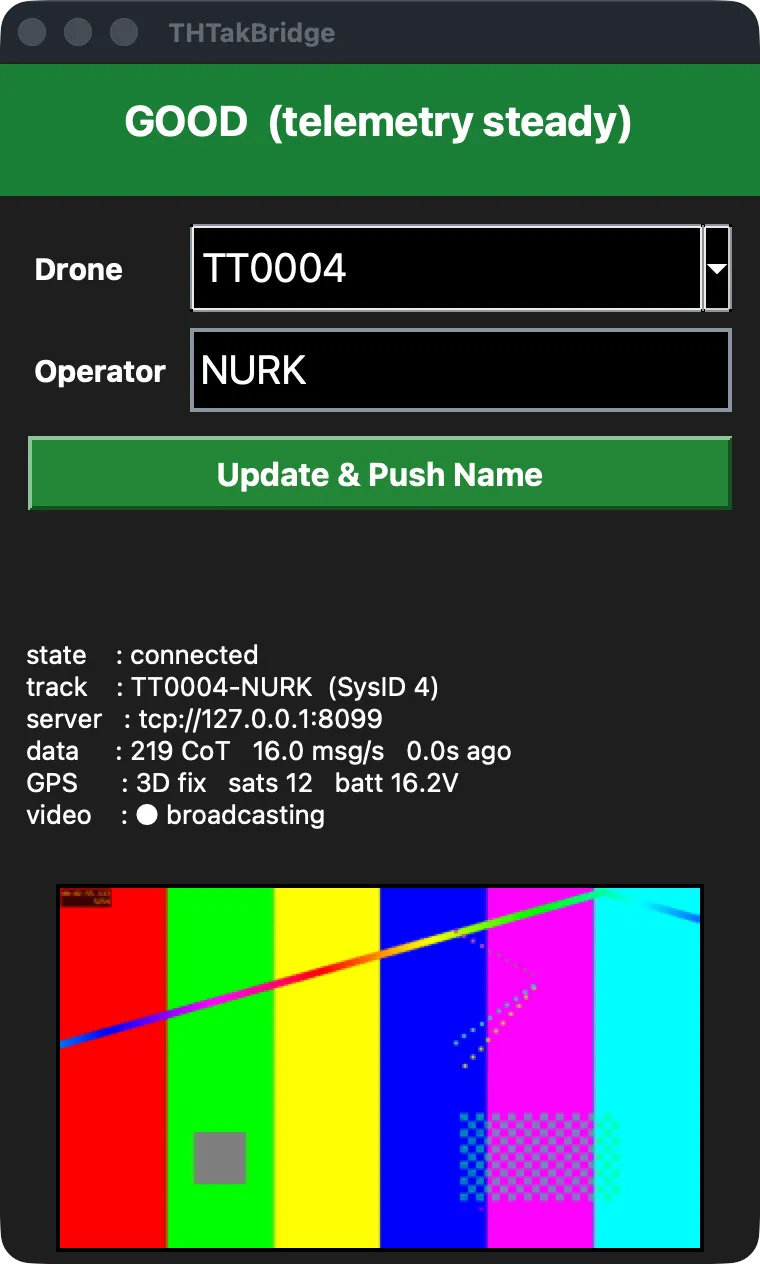
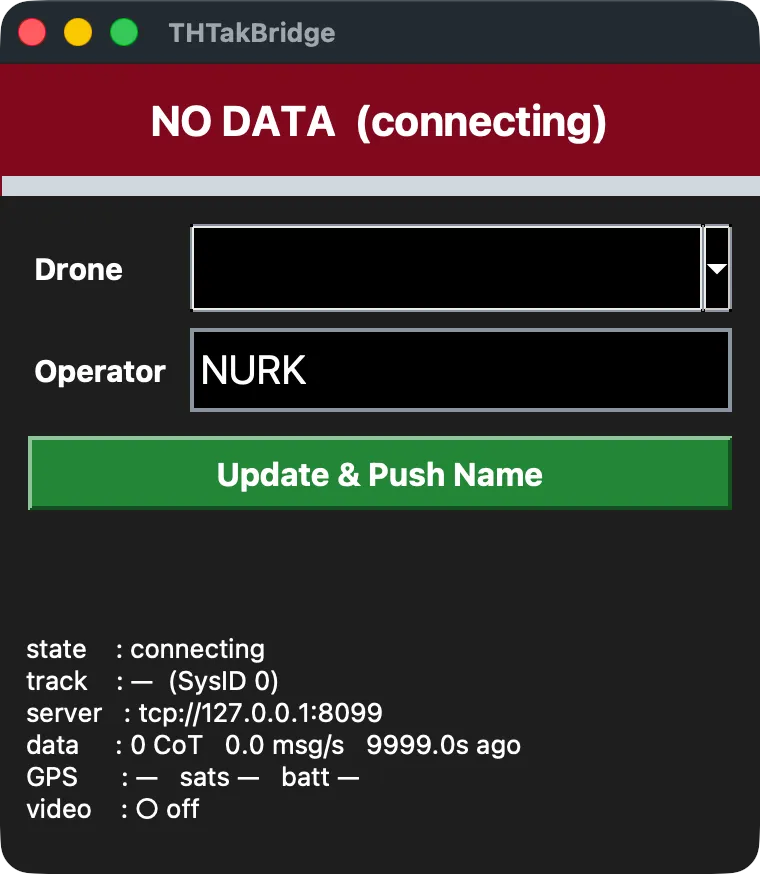
- Supervises itself. Unplug the radio, lose the link mid-flight, replug — it reconnects and resumes without touching anything. A small status window shows link confidence, GPS fix, satellite count, battery voltage, and an embedded video preview.
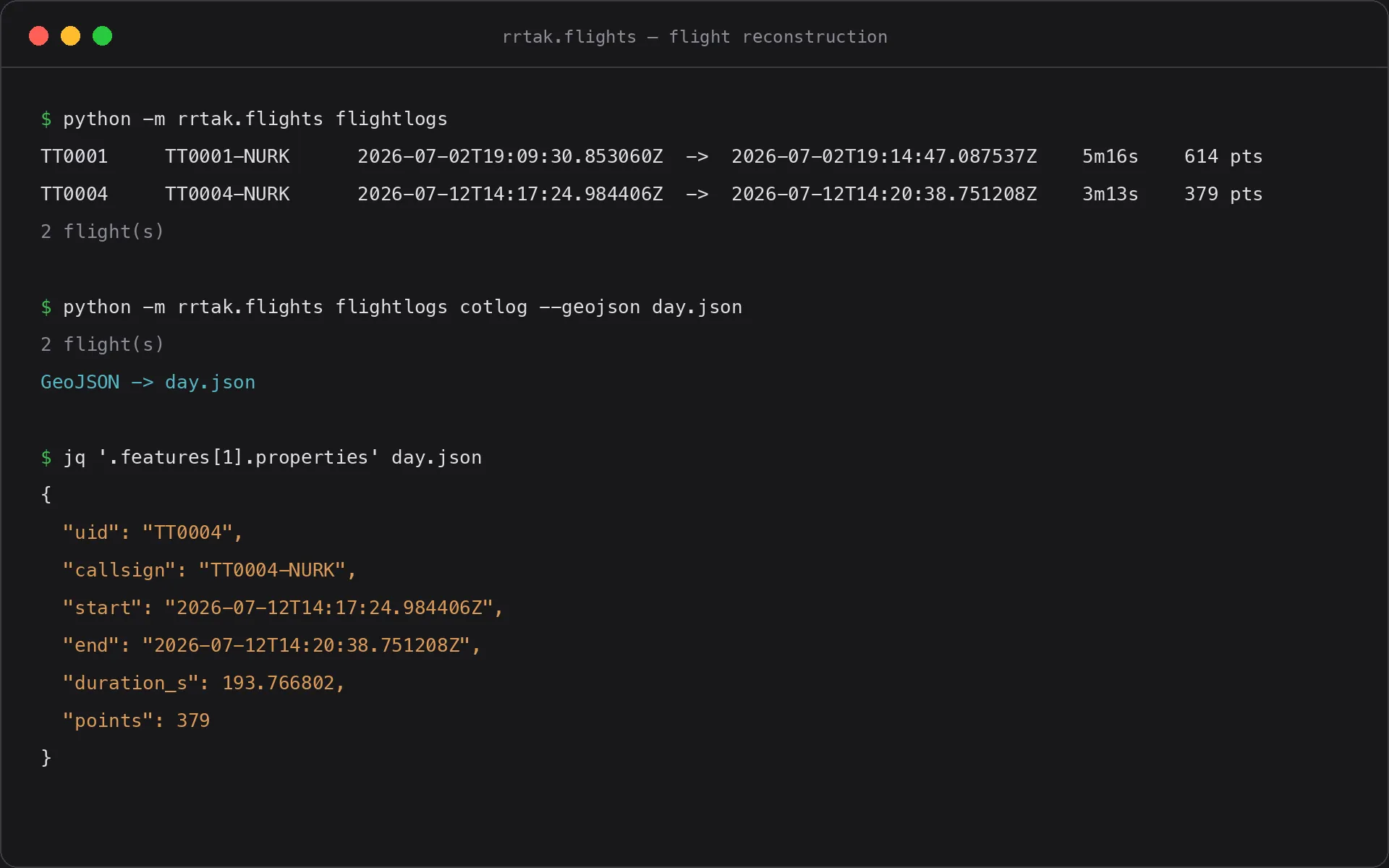
- Logs every pushed point twice: a local JSON Lines flight log per connection, and a server-side collector that records everything the TAK server forwards. Each is the other’s backup against comms loss.
- Rebuilds a day’s flying from either log with a small CLI: splits flights at silence gaps, de-duplicates the two sources, exports GeoJSON.
Under the hood
Python 3.11+ asyncio on Windows and macOS: PyTAK for the server connection, pymavlink for decode, ffmpeg for capture and encode, Tkinter for the status window. Decision logic lives in pure, I/O-free modules built test-first (255 tests, strict mypy); hardware I/O is thin and injected, so the whole telemetry path runs in CI against a fake vehicle and a fake TAK server.
State & direction
- The full path works on real hardware: a real quad over a real radio, mutual-TLS server, ATAK phones on the receiving end.
- Flight logging and reconstruction are the newest pieces — implemented and bench-verified, still light on field hours.
- Next: a watchdog for frozen video pushes, and fixes for known status-window edge cases around drone selection.
- Exploring optical character recognition (OCR) of the video’s on-screen display as backup telemetry for when the radio link drops but the video survives.